portfolio
Web design / UI&UX design
Released on 24.02.2021
After having designed a couple of websites, now it was time to design my own, which at first seemed like a relatively straightforward task but in the end creating a website that is in line with one's own standards and personality requires a lot of work and introspection. I hoped to be done with it in a couple of weeks this portfolio ended up taking a couple months. In the end, I wouldn't change a thing as I learned to not fall in love with my ideas as during the design process I scrapped several of my designs.
key elements and themes of the project
Project Highlights
01
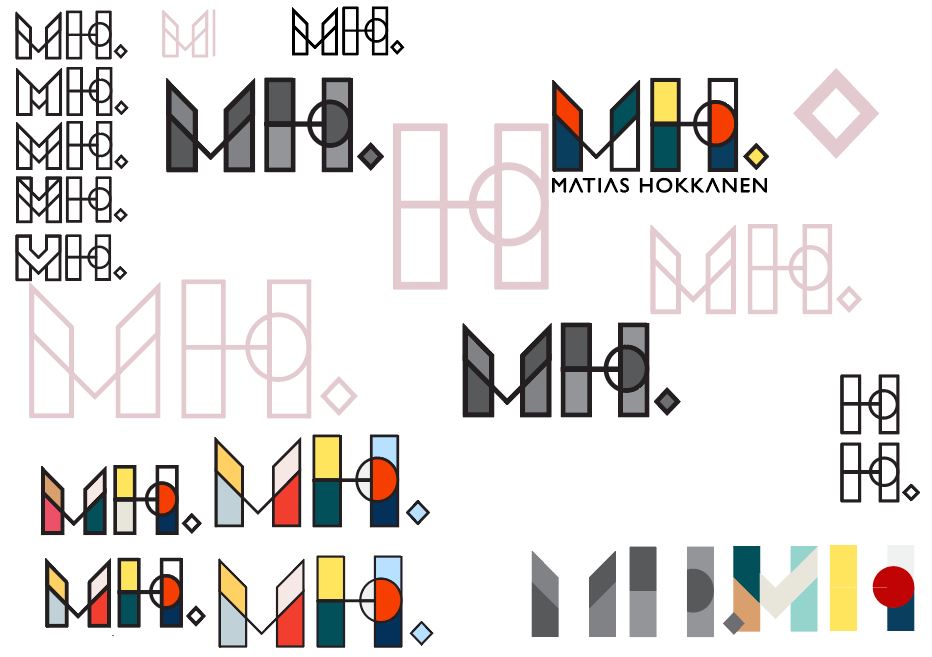
logo design
Responsive design for all devices.
02
overall design
Responsive design for all devices.
03
responsiveness
Responsive design for all devices.
04
interactions
Responsive design for all devices.
